In a nutshell: Go to Payroll > Send Payslips, choose the entity, select the batch and click Send Selected. Payslips are emailed to each employee from a sending queue.
Applies to: Australia and New Zealand
About
Payslips are sent by email to the email address on each employee's record. When you send a batch, the payslips are added to a queue and sent from there, so they do not arrive instantly.
A batch only appears in Send Payslips after its bank file has been downloaded. See Downloading the Bank File.
Quick Reference
| Part of the screen | What it shows | When to use it |
|---|---|---|
| Entity and Division | Which payslips to list | Start here, then click Select |
| Unsent Payslips tab | Batches with payslips that have not been sent | Sending payslips |
| Sent Payslips tab | Batches whose payslips have been sent | Checking what has gone out |
| Date Processed | Narrows the list to one date | Finding a batch quickly |
| Send Selected | Queues the payslips for the batches you selected | After selecting one or more batches |
| Sending Queue | Payslips waiting to be sent, and those sent | Checking progress and errors |
Send payslips for a batch
- Go to Payroll > Send Payslips.
- Choose the Entity. Leave Division on All, or choose the divisions you want.
- Click Select. The Unsent Payslips tab lists the batches.
- Under Select batches to send payslips for, click the batch. Each line shows the batch number, the pay period and the number of employees.
- Click Send Selected.
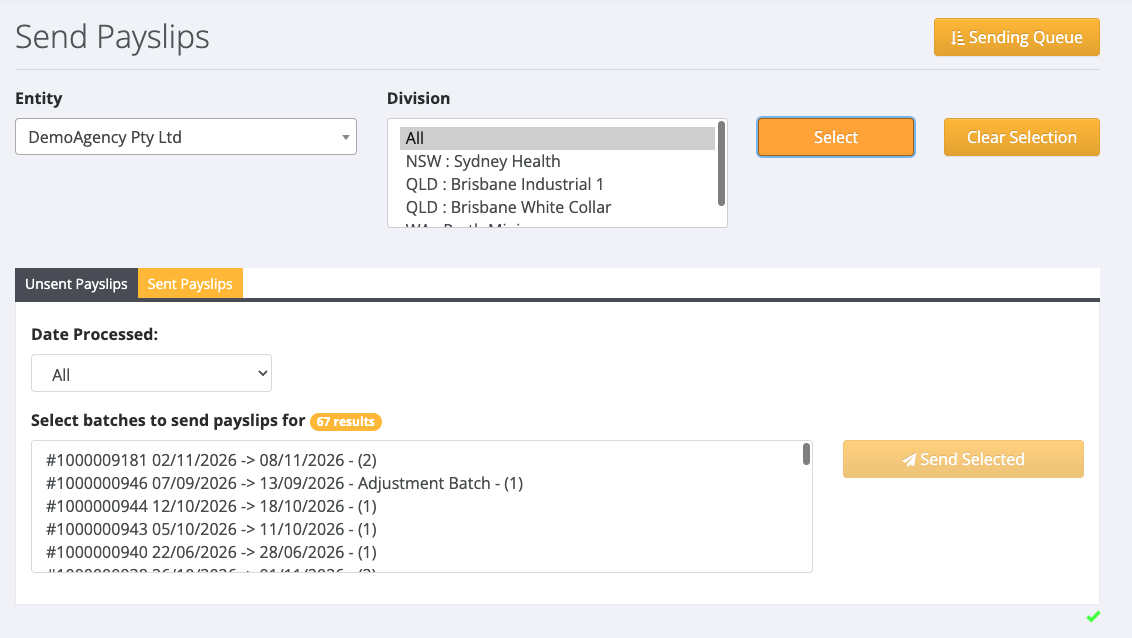
The payslips are added to the queue and the Queued Payslips screen opens.
Check the sending queue
- Go to Payroll > Send Payslips and click Sending Queue.
- The Queued tab lists payslips waiting to be sent, with the employee's name and email address, the pay period and the batch.
- The Sent tab lists payslips that have been sent.
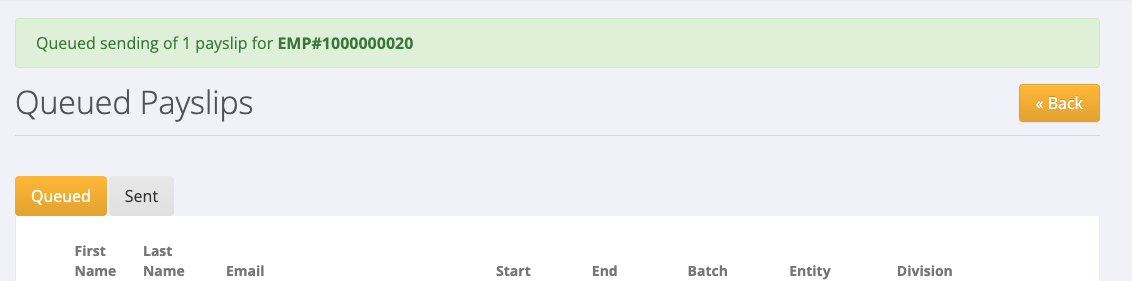
To stop a payslip before it is sent, tick it on the Queued tab and click Dequeue Selected Payslips.
If a payslip is not sent
A payslip that could not be sent stays on the Queued tab with a warning and the reason. See When a Payslip Does Not Arrive.